


Physical Digital Space Overview
Mapping physical kitchen workflows into digital interface viewports requires understanding how humans move, coordinate, and interact with tools in real space. Research in ergonomics, proxemics, and tactile feedback shows that effective digital systems must respect spatial constraints, human attention patterns, and the sensory cues people rely on in kitchens.
ESSAY 01
1. Spatial Ergonomics & Human Movement
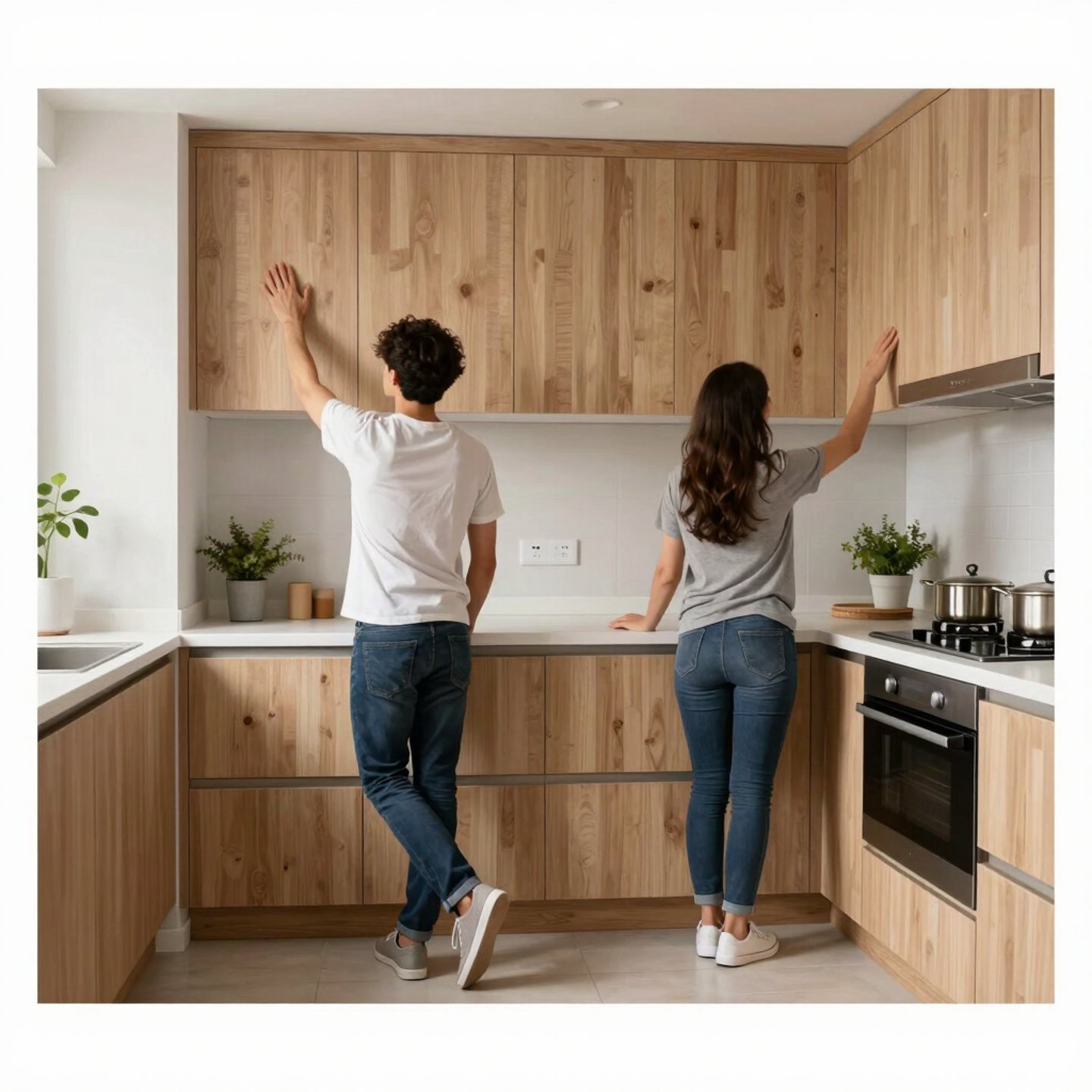
Studies of kitchen posture and movement reveal that physical workflows are shaped by reachability, cabinet height, and repetitive motion patterns. Cluster analysis using OpenPose demonstrates how users adopt distinct postures depending on cabinet layout and task type, highlighting the importance of designing digital interfaces that mirror natural spatial flows.
Similarly, ethnographic research on collaborative cooking shows that people coordinate through proxemics—maintaining shared spaces, rotating around work surfaces, and forming “F‑formations” that support joint tasks. Digital interfaces that emulate these spatial relationships (e.g., multi‑viewport layouts, shared screens, or AR overlays) can better support natural interaction.
2. Mapping Physical Workflows to Digital Viewports
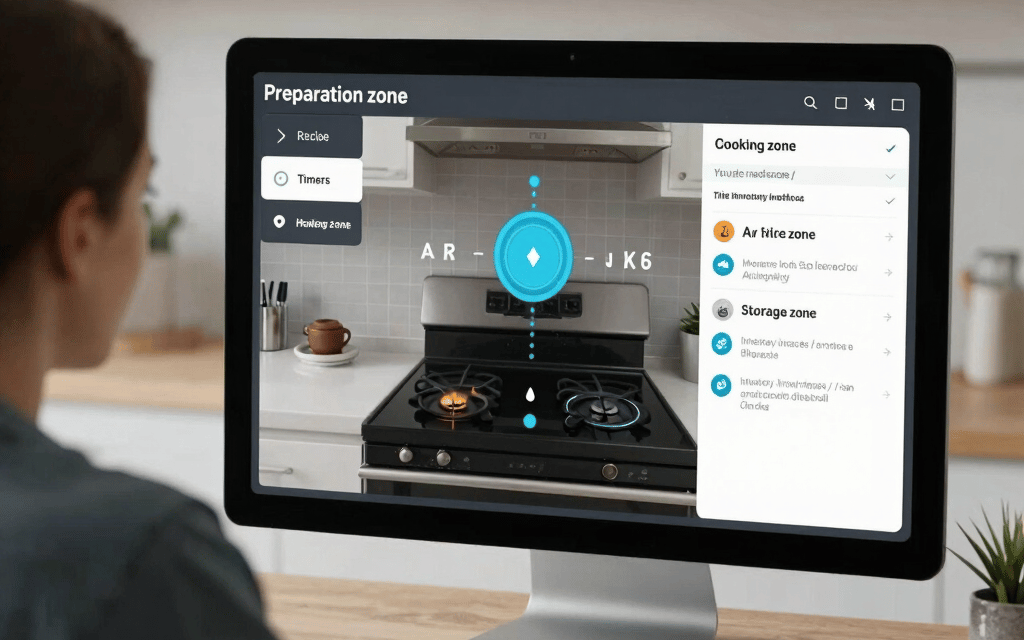
MIT research on spatial user interfaces argues that physical environments can be treated as graphical interfaces, where augmented displays help users maintain attention and multitask effectively. Experiments show that overlaying digital cues onto real kitchen surfaces improves task comprehension and reduces cognitive load.
This suggests that digital viewports should be arranged according to physical workflow zones:
Preparation zone → Recipe viewport / timers
Cooking zone → Heat indicators / AR stovetop warnings
Storage zone → Inventory interfaces / smart cabinet displays
Aligning viewport placement with physical task locations enhances intuitive use.
3. Tactile Feedback & Sensory Mapping
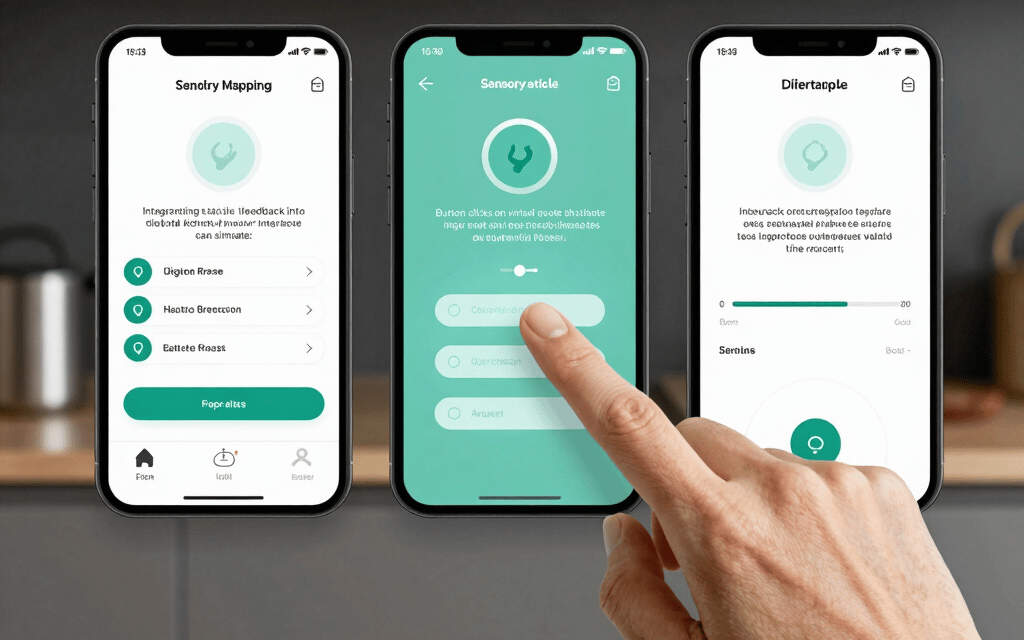
Advanced tactile systems—such as transparent haptic interfaces and finger‑worn vibrotactile devices—demonstrate how digital tools can replicate physical sensations like pressure, vibration, or resistance. These systems improve precision and reduce error in digital interactions, making them ideal for kitchen‑related interfaces where tactile cues are essential.
Integrating tactile feedback into digital kitchen interfaces can simulate:
Button clicks on virtual appliances
Texture cues for ingredient selection
Safety alerts (e.g., “hot surface” vibration)
4. Embodied AI & Spatial Intelligence
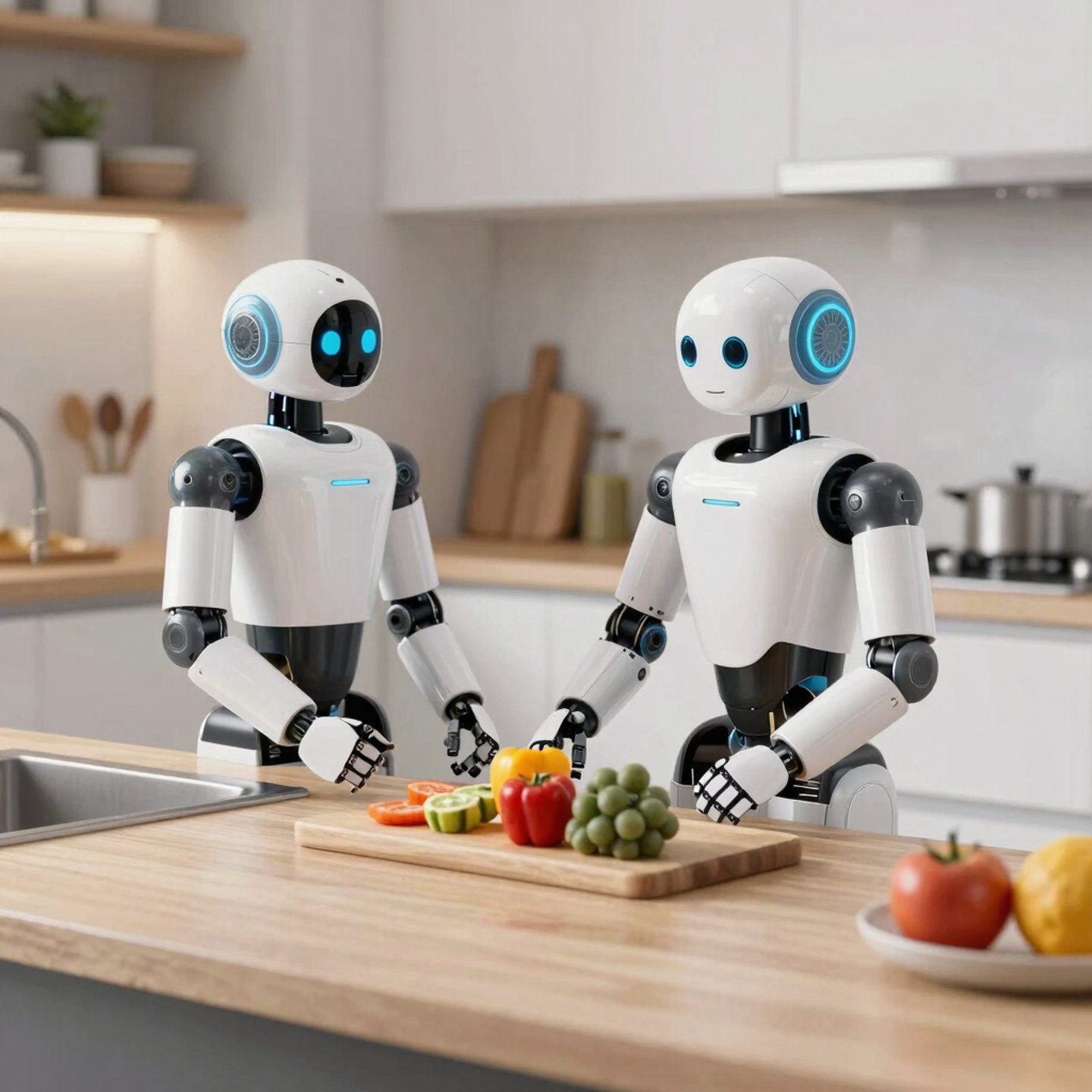
Recent work in embodied AI shows how robots learn kitchen rearrangement tasks using spatio‑temporal models, reinforcing the idea that physical workflows have predictable patterns that can be digitally mapped. These insights help designers create interfaces that anticipate user movement and optimize task flow.
Conclusion
Physical kitchen workflows provide a rich blueprint for designing digital interfaces. By respecting spatial ergonomics, human movement constraints, and tactile feedback systems, designers can create digital viewports that feel natural, intuitive, and deeply aligned with real‑world cooking behavior.
If you want, I can expand this into a full academic-style paper, visual layout, or UI/UX concept document.
Frequently Asked Questions
1. What is Physical–Digital Space? It refers to the connection between real‑world workflows and digital interface design.
2. How do kitchen workflows influence digital UI? Human movement, reachability, and task flow help shape more intuitive digital layouts.
3. Why is spatial ergonomics important? It ensures that digital interfaces match natural human behavior and reduce effort.
4. What is tactile feedback in digital systems? It is the use of vibration or pressure cues to simulate physical touch in digital interactions.
In this page you will learn: – How physical workflows translate into digital UI – Why ergonomics matter in interface design – How tactile feedback improves user experience – How spatial constraints shape viewport layouts